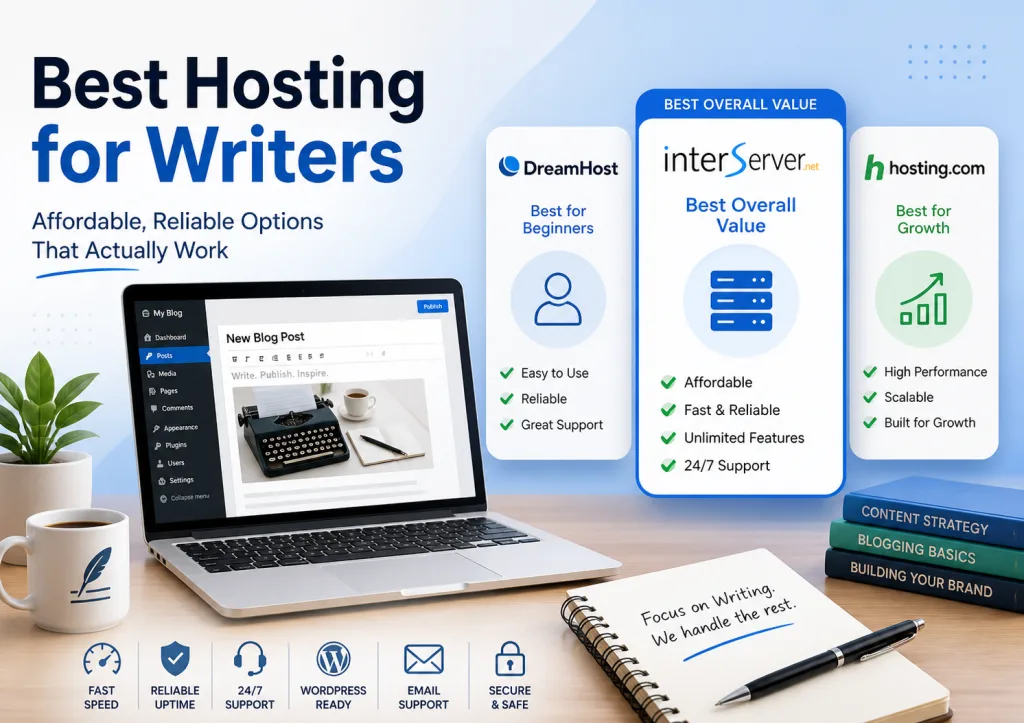

If you are a writer trying to build something online, web hosting can feel like an unnecessary obstacle. You want to write, publish, build an audience, and find clients. Instead, you end up comparing storage limits, server technology, email accounts, WordPress plans, and renewal prices.
I have been writing online for years, and I have learned one simple lesson: writers do not need the “best hosting in the world.” They need hosting that is reliable, affordable, easy enough to manage, and capable of supporting the website they are building.
This guide looks at three practical options for writers: InterServer, DreamHost, and Hosting.com. I will explain where each one fits, what you get, where the tradeoffs are, and when paying more makes sense. If you are still figuring out how to get your writing website online, my guide to how to start writing online covers the broader process.
Quick Answer: What Is the Best Hosting for Writers?
- Best overall value for a simple writing website: InterServer
- Best for beginners who want a simple setup: DreamHost
- Best for writers planning for a more performance-focused WordPress setup: Hosting.com
You do not need to choose based on the label alone. Start with the kind of site you are building, the tools you need, your budget, and how much technical control you want.
Prices and plan features change. The provider details below were checked in September 2026, so treat promotional pricing as a snapshot rather than a permanent rate.
Table of Content
- Quick Answer: What Is the Best Hosting for Writers?
- How I Evaluated Hosting for Writers
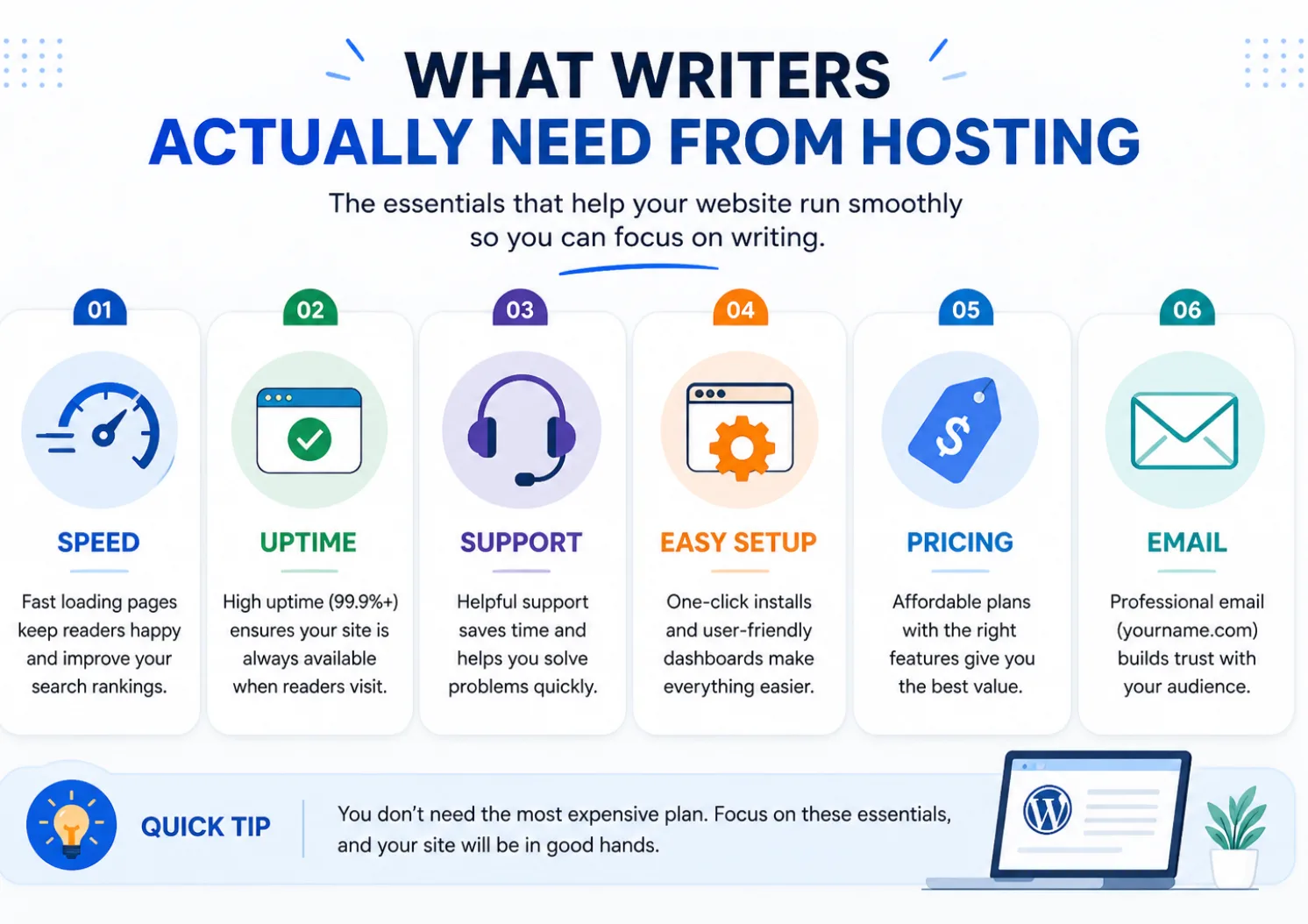
- What Should Writers Look for in Web Hosting?
- Best Hosting for Writers: My Three Practical Options
- How Do the Three Hosting Options Compare?
- Which Hosting Is Best for Different Types of Writers?
- Cheap vs. Premium Hosting: What Do Writers Actually Need?
- Common Hosting Mistakes Writers Make
- What Matters More Than Your Hosting Provider?
- My Recommendation for a Writer Starting Today
- Key Takeaways
- Frequently Asked Questions About Hosting for Writers
- Final Thoughts
How I Evaluated Hosting for Writers
I am not treating this as a lab test where every provider gets a score. This is a practical comparison for writers who want to publish a website without turning hosting into a second job.
I looked at the things that matter most for a writer-owned website:
- Price and renewal cost: introductory pricing can look attractive, but the renewal price matters.
- WordPress setup: writers should be able to install and manage WordPress without unnecessary technical work.
- Performance: storage technology, caching, CDN options, and server software affect how a site can perform.
- Backups and security: a publishing site needs protection and a way to recover when something breaks.
- Email: writers who build an audience often need email at their own domain.
- Support and migration: these become important when you move a site or run into a technical problem.
- Room to grow: your first site may be small, but your hosting should not become a problem the moment your traffic increases.
What Should Writers Look for in Web Hosting?
The best hosting for writers is not defined by the longest feature list. It is defined by whether the service gives you what your website needs without adding cost and complexity you do not need.
1. Easy WordPress Setup
For most writers, WordPress is the practical choice for a content-driven website. You want a host that makes installation, SSL, domains, databases, and basic site management straightforward.
2. Reliable Performance
Your hosting affects the technical foundation of the site, but it cannot make weak content useful. Good hosting gives your WordPress site a sensible environment for caching, image optimization, security, and other performance work.
3. Email at Your Own Domain
If you plan to build an audience, your website and email list should work together. A domain-based email address also gives you a more professional identity when you contact clients.
If you are building an audience instead of relying only on search traffic, see why writers need email lists. Hosting is the home for your site, while email gives you another way to reach people who have already shown interest.
4. Backups and Security
A writer's website can contain years of articles, portfolio samples, lead magnets, forms, and other assets. Backups and basic security features reduce the risk of losing that work because of a technical problem.
5. Enough Room to Grow
You do not need enterprise hosting for a new blog. You need a reasonable starting point and a clear upgrade path. That lets you spend your early budget on publishing instead of paying for capacity your site does not use.
Best Hosting for Writers: My Three Practical Options
These three hosts cover different priorities. Rather than pretending one service is perfect for every writer, it makes more sense to understand what each one is built to do and then choose based on your situation.
InterServer: Strong Value for Writers Who Want More Included
InterServer
InterServer is worth a close look if you want a practical WordPress hosting setup without paying for a long list of extras you may never use.
$0.01 for the first month with the current promotional offer
Explore InterServer HostingThe current promotional offer gives new customers the first month of web hosting for just $0.01 when the coupon code TRYINTERSERVER is used. After the promotional first month, the regular monthly Standard Hosting price is currently $7 per month.
InterServer's current Standard Web Hosting plan includes unlimited storage, data transfer, email accounts, and FTP accounts. It also includes weekly backups, SSD caching, LiteSpeed, Cloudflare CDN, free migration, SSL support, an easy WordPress installer, and 24/7 support.
There is another useful part of the current promotional experience reached through my InterServer affiliate link: a collection of Pro WordPress plugins is presented as part of the offer. The tools cover areas such as SEO, caching, backups, security, forms, SMTP, social feeds, file management, and site administration.
Examples shown in the current offer include SiteSEO Pro, SpeedyCache Pro, Backuply Pro, Loginizer Pro, Pagelayer Pro, GoSMTP Pro, CookieAdmin Pro, FileOrganizer Pro, SoftWP Pro, FormLayer Pro, SocialFeeds Pro, ShareMyPost Pro, and Deskuss Pro.
That can matter to writers because WordPress sites can quickly accumulate separate costs for premium plugins. Having tools for SEO, caching, backups, security, and other common tasks included in the current promotional offer may reduce the number of separate premium plugins you need to buy.
I have also found InterServer practical for a content-focused site because the hosting environment gives you the basic tools needed to run WordPress without making the setup unnecessarily complicated. You can start with a relatively small site and move to a more powerful setup later if your requirements change.
Why InterServer Fits a Writer's Website
- Very low promotional entry price: the current web hosting promotion offers the first month for $0.01 with the coupon code TRYINTERSERVER.
- Low regular monthly cost: the current Standard Hosting monthly plan renews at $7 per month after the promotional first month.
- WordPress-friendly setup: WordPress can be installed through the hosting control panel, with automatic updates available.
- Performance tools: SSD caching, LiteSpeed, and Cloudflare CDN provide a useful technical foundation for a content website.
- Backups: weekly backups are included with the Standard Hosting plan.
- Free migration: InterServer offers free website migration for new hosting accounts.
- Email: domain-based email is included with the Standard Hosting plan.
- Extra WordPress tools: the current promotional offer also presents a collection of Pro WordPress plugins covering several common website tasks.
My own experience also influenced this recommendation. I previously paid around $15 for three months, and I found InterServer faster than I expected. The dashboard looked dated, but once I learned where things were, it stopped being important. Support was fast and helpful when I needed it.
That personal experience is separate from the current pricing above. Hosting prices change, so use the current plan details when making your decision.
If your goal is to publish a content-heavy site, your next technical priority is not another hosting upgrade. It is making sure your articles are structured so readers and search engines can understand them. My guide to on-page SEO for writers covers that part of the system.
DreamHost: A Straightforward Option for Beginners
DreamHost
DreamHost makes sense if you care more about a straightforward setup and familiar hosting experience than squeezing every possible feature out of your plan.
Current Launch promotion: $2.89/month for the first year, renewing at $10.99/month
Explore DreamHostDreamHost's current Web Hosting Launch plan includes 25 websites, 25 GB of NVMe SSD storage, unmetered bandwidth, daily automated backups, free SSL certificates, a free domain for one year, and a 30-day money-back guarantee. The current offer also includes three months of free email with 20 mailboxes.
One important point is the renewal price. The $2.89 promotional price applies to the first year, while the current listed renewal price is $10.99/month. That does not make the plan a bad choice. It simply means you should compare the full cost of ownership rather than looking only at the introductory number.
DreamHost is also a reasonable fit if you want a host that presents the basic website-building process in a way that feels approachable. That can matter when you are spending your time learning writing, SEO, and marketing rather than trying to understand server administration.
Why DreamHost Fits Some Writers
- Simple starting plan for new websites.
- 25 websites on the current Launch plan.
- 25 GB of NVMe SSD storage.
- Daily automated backups.
- Free SSL certificates.
- Free domain for the first year on the current offer.
- Three months of free email with 20 mailboxes on the current Launch offer.
The main thing to watch is the difference between introductory pricing and renewal pricing. If you expect to keep the site for years, calculate the cost beyond the first promotional period.
Hosting.com: A More Performance-Focused WordPress Option
Hosting.com
Hosting.com is worth considering if you want a WordPress-focused environment with a strong emphasis on performance, security, backups, and migration.
Explore Hosting.comIts current WordPress hosting includes one-click WordPress installation, optional automatic updates, NVMe storage, LiteSpeed, free SSL, firewall protection, malware scanning and patching, daily backups, domain-based email, and free WordPress migration.
That makes it interesting for writers who are building a more serious WordPress property and want performance and site-management features to be part of the hosting environment. It is not something every beginner needs on day one, but it can make sense when the website becomes an important business asset.
If your site is becoming a major source of traffic, leads, or sales, hosting becomes one part of a larger system. Your content structure, internal linking, search intent, and conversion paths matter too. That is where the broader SEO writing guide becomes more useful than another hosting comparison.
How Do the Three Hosting Options Compare?
The table below is not a universal ranking. It shows the practical difference between the three options so you can match the host to the type of website you want to build.
| Priority | InterServer | DreamHost | Hosting.com |
|---|---|---|---|
| Starting focus | Value and included features | Simple website setup | WordPress performance and management |
| Current entry price | $0.01 first month with current promotion, then $7/month on monthly Standard Hosting | $2.89/month first year, then $10.99/month on Launch | Varies by current plan and promotion |
| WordPress | Easy installer and automatic updates | Easy WordPress setup | One-click install and optional auto-updates |
| Backups | Weekly | Daily automated | Daily |
| Included | Current Launch offer includes 3 months free email, then paid email applies | Domain-based email included | |
| Performance stack | SSD caching, LiteSpeed, Cloudflare CDN | NVMe SSD and performance tools | NVMe and LiteSpeed |
| Migration | Free migration | Free site migrations on current WordPress offerings | Free WordPress migration |
| Best fit | Writers who want a practical low-cost foundation | Beginners who value a straightforward experience | Writers building a more performance-focused WordPress site |
Which Hosting Is Best for Different Types of Writers?
Your type of writing business changes what you need from a website. The hosting itself may be similar, but the role of the site can be very different.
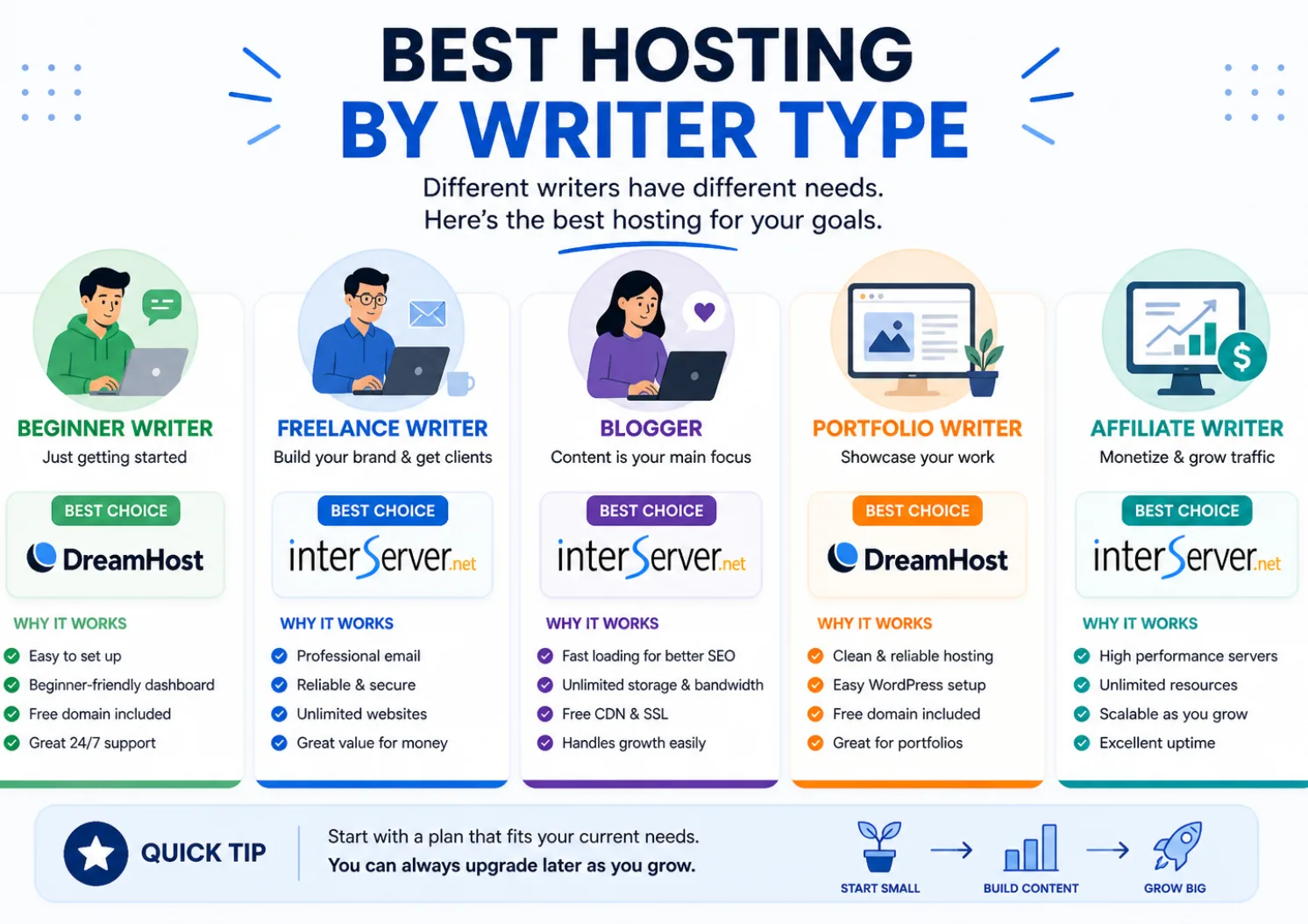
- Beginner building a first website: DreamHost is a straightforward place to start, while InterServer gives you a low promotional entry price and a lower monthly renewal on its current monthly Standard plan.
- Freelance writer building a portfolio: InterServer or DreamHost can handle a simple portfolio and service website. Your bigger priority should be making the portfolio easy for potential clients to understand.
- Blogger building a content library: InterServer is a practical fit if you want low ongoing hosting cost and included features.
- Writer building an email audience: Check email limits and costs as well as hosting. InterServer includes email, while DreamHost's current Launch offer includes email for three months.
- Writer building a larger WordPress property: Hosting.com becomes more relevant when performance, security, backups, and migration support become bigger priorities.
If you are using your website to win freelance work, hosting is only the foundation. Your positioning, portfolio, and service pages do the selling. If you are still working out that side of the business, start with how to get writing clients, then see the website copywriting guide for the content that supports a service-focused site.
Cheap vs. Premium Hosting: What Do Writers Actually Need?
This is where many writers overcomplicate the decision.
Hosting does not create traffic, authority, or income. Your content and business strategy do that. Hosting gives those assets a place to live.
For a new writing website, affordable shared hosting can be enough. You may have a blog, a portfolio, a few service pages, an email signup, and a growing library of articles without needing an expensive managed server.
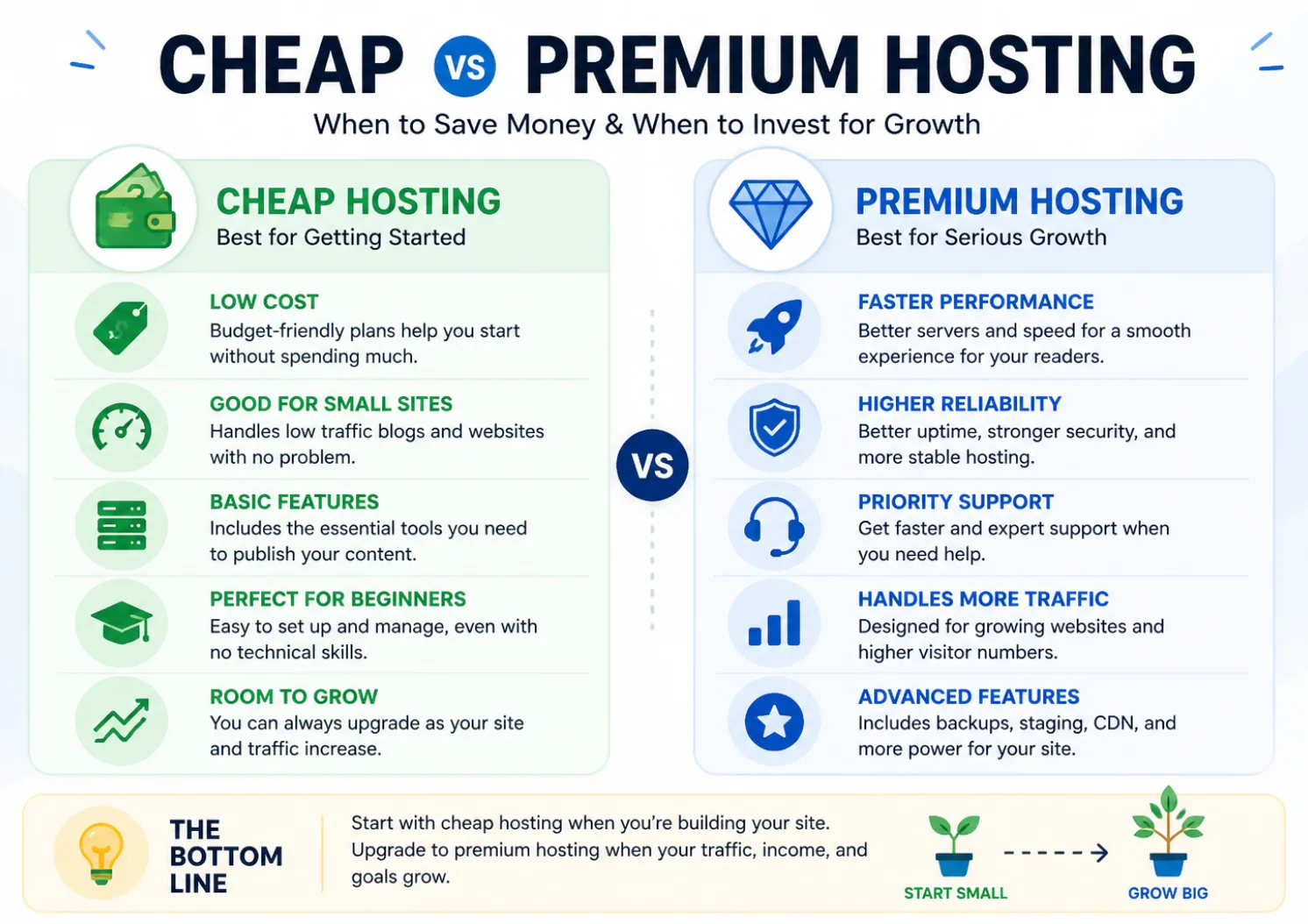
The situation changes when your website becomes financially important. If consistent traffic, leads, sales, or client inquiries depend on the site, performance and reliability become more important because downtime or technical problems can have a real business cost.
A Simple Rule for Writers
Start with enough hosting for the site you have. Upgrade when the site gives you a reason to upgrade.
Do not buy expensive infrastructure because you hope traffic will arrive later. Build the content, measure what happens, and let the website's needs guide the next hosting decision.
That same principle applies to the rest of your publishing system. For example, do not spend weeks perfecting a technical setup while publishing nothing. Your hosting should remove friction, not become the project.
Common Hosting Mistakes Writers Make
1. Overthinking the Host Before Publishing
Writers can spend days comparing hosts before they have a website worth hosting. That is backwards. Choose a sensible option, install WordPress, and put your attention on the content and audience.
2. Looking Only at the Introductory Price
A low first-year price is not the whole cost. Check the renewal rate, billing term, email pricing, domain costs, and any feature you would need to add later.
3. Ignoring Email
A writer's website often grows into an audience-building asset. If you ignore email at the start, you may have to solve domain email, newsletter delivery, forms, and list management later.
4. Choosing a Host Because of the Brand Name Alone
A familiar brand does not automatically mean it fits your needs. Compare the actual plan, renewal price, included features, support, and migration options.
5. Buying More Hosting Than Your Site Needs
A new blog with ten articles does not need the same infrastructure as a large site with heavy traffic. Put the money into content, design, email, research, or other assets that help the business grow.
What Matters More Than Your Hosting Provider?
Once the technical foundation is good enough, the next gains usually come from what you publish and how your site connects that content.
A writer can have excellent hosting and still get no traffic because the articles do not match search intent. Another writer can use inexpensive hosting and build a strong site because the content answers clear questions, covers related topics, and connects the articles into a useful structure.
That is why I would put your attention in this order:
- Choose a reliable hosting foundation.
- Build a clear website structure.
- Publish useful content for a defined audience.
- Learn the basics of SEO and search intent.
- Connect related articles with meaningful internal links.
- Build an email audience when it fits your business.
- Upgrade hosting when the website's needs justify it.
Once the site is ready, your publishing process matters more than another hosting feature. If you are writing search-focused articles, see how to write an SEO blog post for the content side of the system.
If you want to understand how internal links fit into the larger SEO system, my guide to topical authority explains how related content, topic coverage, and internal linking work together.
Related SEO Guides for Writers
- SEO Writing Guide for creating search-focused content without keyword stuffing.
- Search Intent for Writers for matching articles to what readers actually want.
- Topical Authority Guide for building connected coverage around a topic.
My Recommendation for a Writer Starting Today
If I were starting a new writer-focused website today, I would keep the hosting decision simple.
I would look at InterServer first if keeping the ongoing cost low and having many core hosting features included were my main priorities. My previous experience with the service also gives me a practical reference point.
I would look at DreamHost if a straightforward beginner experience mattered more to me, while paying close attention to the renewal price after the promotional period.
I would look at Hosting.com if I were building a WordPress site where performance, security, backups, and migration support were becoming more important parts of the decision.
None of those choices replaces the work that actually grows a writing website. Once the site is online, the important work is publishing useful content, building authority, attracting the right readers, and giving those readers a clear next step.
Key Takeaways
- InterServer currently offers a promotional first month of $0.01 with the coupon code TRYINTERSERVER, followed by the current $7/month monthly Standard Hosting price.
- DreamHost offers a beginner-friendly setup, with the current Launch promotion at $2.89/month for the first year and a listed renewal price of $10.99/month.
- Hosting.com is worth considering when WordPress performance, security, backups, email, and migration support are important priorities.
- Cheap shared hosting can be enough for a new blog, portfolio, or small writing business website.
- Renewal prices matter as much as introductory prices.
- Email, backups, WordPress support, and migration options deserve attention when comparing plans.
- Hosting is the foundation. Content, SEO, audience building, and business positioning are what turn the website into an asset.
Frequently Asked Questions About Hosting for Writers
What is the best hosting for writers?
The best hosting for writers depends on the website and the writer's priorities. InterServer is a practical value-focused option, DreamHost emphasizes a straightforward setup, and Hosting.com is worth considering for writers who want a more performance-focused WordPress environment.
Do writers need web hosting?
Writers need web hosting if they want to run a self-hosted website, such as a WordPress site, on their own domain. A hosted platform can remove the need to manage hosting, but it also gives you less control over the website environment.
Is cheap hosting good enough for writers?
Cheap hosting can be enough for many new writers. A small blog, portfolio, service website, or early affiliate site often does not need expensive infrastructure. The important thing is to check performance, backups, security, email, support, and renewal pricing.
Which hosting is best for freelance writers?
Freelance writers can use several types of hosting successfully. InterServer and DreamHost can support a portfolio and service website, while Hosting.com can make sense when WordPress performance and site management become larger priorities.
Should writers choose WordPress hosting?
WordPress is a useful choice for writers who want control over their website, content, SEO, plugins, and design. You do not always need a specialized managed WordPress plan when starting, but WordPress-specific features can become more useful as the site grows.
When should a writer upgrade hosting?
Consider upgrading when your site has sustained traffic or resource demands, performance problems, technical requirements that your current plan cannot handle, or business revenue that makes improved reliability worth the additional cost.
Final Thoughts
The best hosting for writers is the hosting that lets you stop thinking about hosting and start doing the work that matters.
For a new site, that usually means choosing a sensible plan, installing WordPress, creating the essential pages, and publishing your first useful articles. You can improve the technical side as the site develops.
A simple website with 30 useful articles can become a much stronger business asset than a technically perfect website with nothing worth reading.
Choose the hosting foundation that fits your current needs. Then put your energy into building the website, content, audience, and writing business that the hosting is there to support.